What is n8n, and why run it locally?
n8n is a low-code AI workflow automation platform. This helps people connect 3rd-party services, apps, and APIs and manipulate data, with little or no experience in software development. Basically, you can automate anything using n8n if there is an API.
Self-hosted / running locally will,
- Let you explore the n8n community version for free without any license cost.
- The community edition includes almost the complete feature set of n8n, except for the features listed here. https://docs.n8n.io/hosting/community-edition-features
- No Dependency on External Servers
- Local System Integration
n8n is the hottest topic in the freelance market. Clients are looking for people with n8n skills. So I’m trying to see whether I can learn n8n and add to my Upwork profile.

Let’s get digging
I’m following the official doc https://docs.n8n.io/hosting, and I will be posting my experience on how it goes.
Ways to set up n8n
As I understood, there are 2 ways to install n8n in the local environment
- Using node Js
- Docker setup
As the doc says, Docker is the recommended way, but I chose to go down the Node path, which makes my life easier.
Why Node over Docker? If you already have Node.js installed and just want to try n8n quickly without setting up containers, the
npx n8napproach is by far the fastest path. Docker shines more when you want a stable, persistent production-like environment.
What do you need to run n8n
You must have Node.js https://nodejs.org/en installed. n8n requires a Node.js version between 20.19 and 24.x, inclusive.
To check your current Node.js version, run:
node --versionIf you need to install or update Node.js, download the LTS version from nodejs.org. The LTS release will always fall within n8n’s supported range.
Now What?
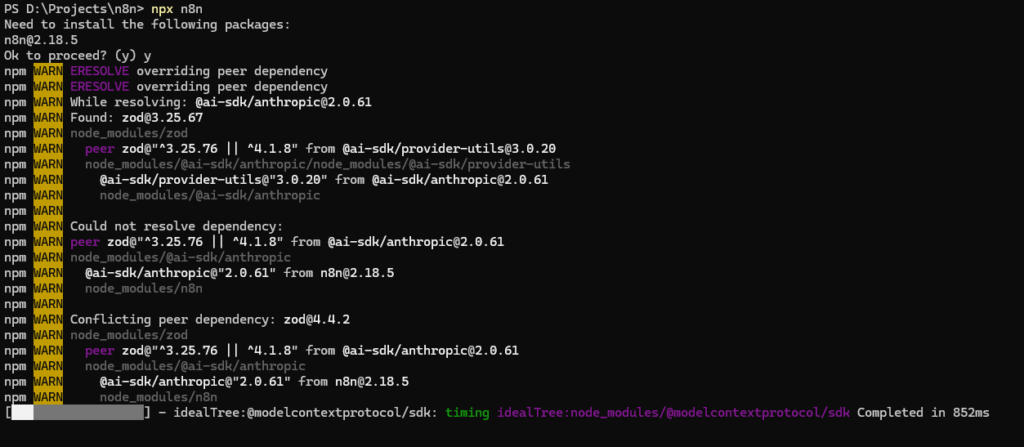
Run the following command in a terminal
npx n8nThe first run will download n8n and its dependencies. You’ll see npm activity in your terminal. This is normal and can take a minute or two depending on your connection.
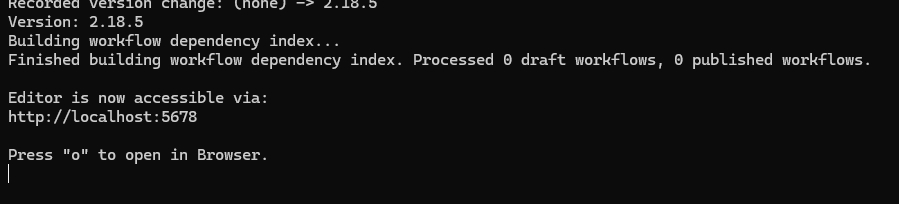
Once n8n finishes loading, the terminal will confirm the editor is available:
Setting Up Your Account
The first time you open n8n in your browser, you’ll be prompted to create an owner account. Fill in your email, name, and a password.
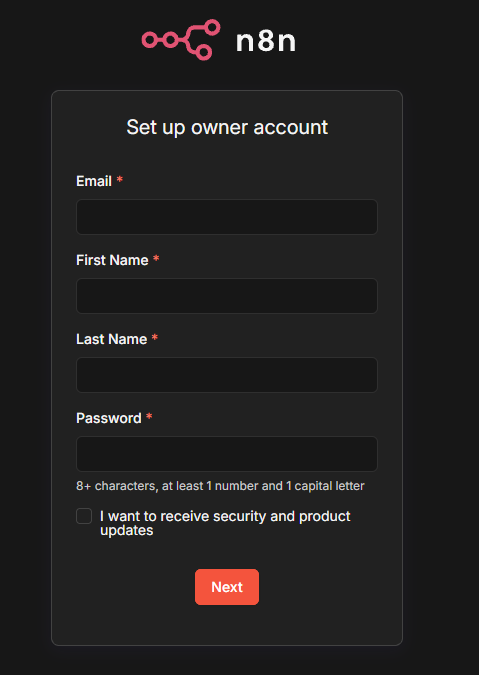
Also, you will get a free licence key when you log in.
Once logged in, n8n will send a free community license key to your email automatically. Head to the Usage & Plan page inside n8n to activate it.
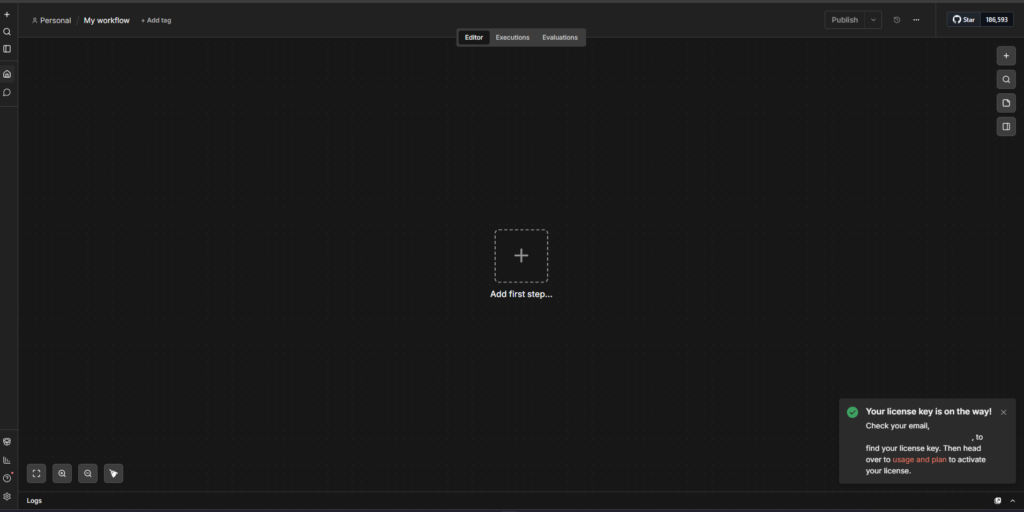
Now you are good to go
Let me know if you face any issues while setting up, and also stay tuned for cool workflow development.