
This Claude Pro review starts with frustration, not a plan.
I bought it because I was frustrated with copy-pasting code into free tools, hitting limits every hour, and watching tutorials from people who never showed the actual numbers.
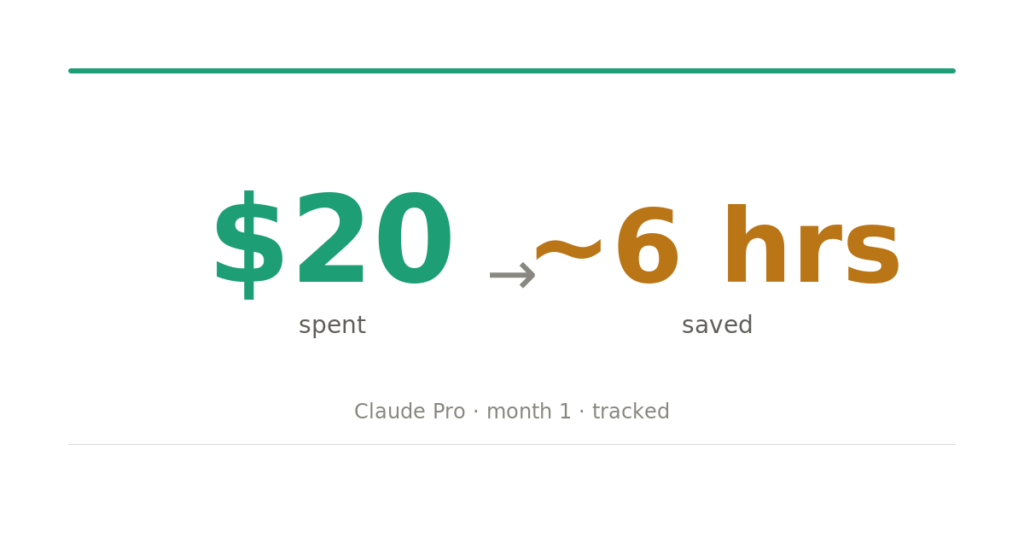
So I spent $20. And I tracked everything.
What I Actually Used Claude Pro For
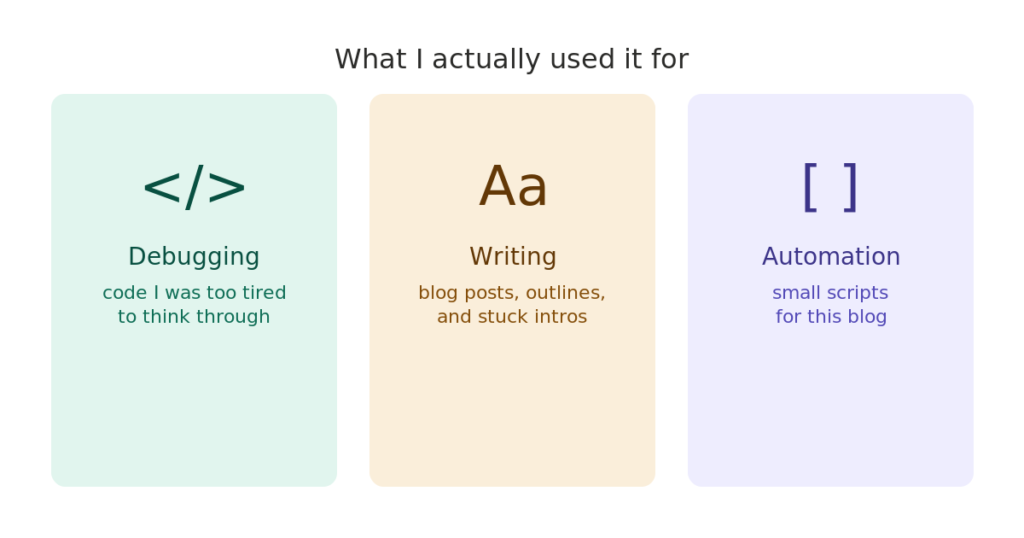
Most of my usage came down to three things: debugging code I was too tired to think through, drafting blog posts and outlines (like this one), and building small automation scripts for this blog. Nothing exotic. Just a developer trying to squeeze more output from the same 24 hours.
Debugging
This is where I got the most value, not for hard problems, but for the stupid ones. The kind where you’ve been staring at the same function for 45 minutes, and your brain has stopped working. I’d paste the broken code, describe what it was supposed to do, and usually get a working fix in under two minutes.
One specific example: I had a Python script that was supposed to pull post metadata from my CMS and spit out a CSV. It kept failing silently, no error, just an empty file. I’d been at it for an hour. Claude spotted a type mismatch I’d completely missed and fixed it in one pass. That alone probably saved me another two hours of Stack Overflow rabbit holes.
The free tier would’ve cut me off mid-conversation. Having the full context window available without worrying about limit changes how you use it.
Writing and Outlining
I don’t use Claude to write for me. I use it to get unstuck. When I have a rough idea but can’t figure out the structure, I’ll describe what I’m trying to say and ask for three possible outlines. I pick the one that feels right and write from there.
For this blog specifically, I’ve used it to draft section headers, punch up weak intros, and check whether a paragraph makes sense to someone who isn’t me. It’s faster than asking a friend and more honest than re-reading your own work.
Automation Scripts
I’ve built three small tools for this blog since subscribing: a script that reformats draft notes into a consistent structure, a metadata validator that checks posts before I publish, and a simple link checker. None of these is complex. But writing them from scratch would’ve taken a weekend. With Claude, they each took an evening.
The quality isn’t production-ready without review, but for internal tools that only I use, it’s more than good enough.
Claude Pro vs Free Tier: What’s Actually Different
The free tier is fine for one-off questions. If you want to ask something, get an answer, and move on, you don’t need Pro.
The difference shows up when you’re working on something over time. Multi-file debugging sessions, long drafts, iterative back-and-forth where Claude needs to remember what you established three messages ago. The free tier breaks that flow. You hit a limit, the context resets, and you’re starting over.
For casual use, free is enough. For anyone building something, writing regularly, or debugging anything non-trivial: the limit of interruptions will frustrate you within a week.
Did It Save Me Time?
Yes, not dramatically, but the friction is lower. When I’m stuck at 11 pm on something stupid, having a tool that doesn’t cut me off matters. I estimate I saved 4–6 hours across the month. Whether that’s worth $20 depends on what your time is worth.
Here’s how I got to that number: two debugging sessions that would’ve taken significantly longer without it (roughly 3 hours saved), faster outlining on four posts (maybe 30 minutes each), and not having to rewrite automation scripts from scratch (2+ hours). It’s not a precise calculation, but it’s honest.
Did It Make Me Any Money?
Not directly. But it helped me write faster, which means more posts, which means more traffic eventually, that’s the bet I’m making.
If you’re running a blog as a side project, the math isn’t “does this pay for itself this month.” It’s “Does this help me compound faster?” At $20/month, my threshold is roughly one extra post I wouldn’t have written otherwise. I’ve cleared that.
What I’d Tell Someone Considering It
A few honest notes before you subscribe:
It’s not magic. You still have to think. Claude is fast at execution and good at catching what you missed, but it won’t generate the original idea or the specific experience that makes an article worth reading. That still comes from you.
It works best when you give it context. Vague prompts get vague answers. The more specific you are about what you’re building, what’s broken, or what you’re trying to say, the better the output.
The context window matters more than you’d expect. The ability to keep a long conversation going without losing the thread isn’t a marketing feature; it’s the thing that makes it useful for real work.
Is Claude Pro Worth It?
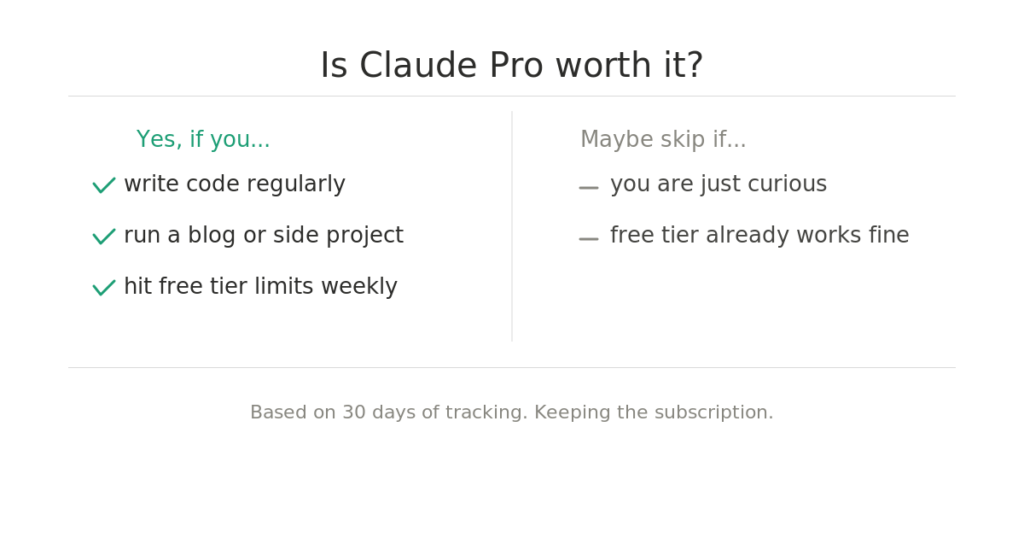
If you’re a developer who writes, builds side projects, or runs any kind of content operation, probably yes. I’ve linked to Claude’s pricing page if you want to check the current tiers. The $20 is not the question. The question is whether you’ll use it consistently enough to change how you work. If you’re the kind of person who writes code for fun and has a blog you’re trying to grow, the answer is almost certainly yes.
If you’re just curious, start with the free tier first. You’ll know within a week whether you’re hitting limits that bother you.
I’m keeping my subscription for now. Ask me again in 60 days.
Using Claude Pro yourself? Drop what you’re using it for in the comments. I’m curious what workflows I’m missing.